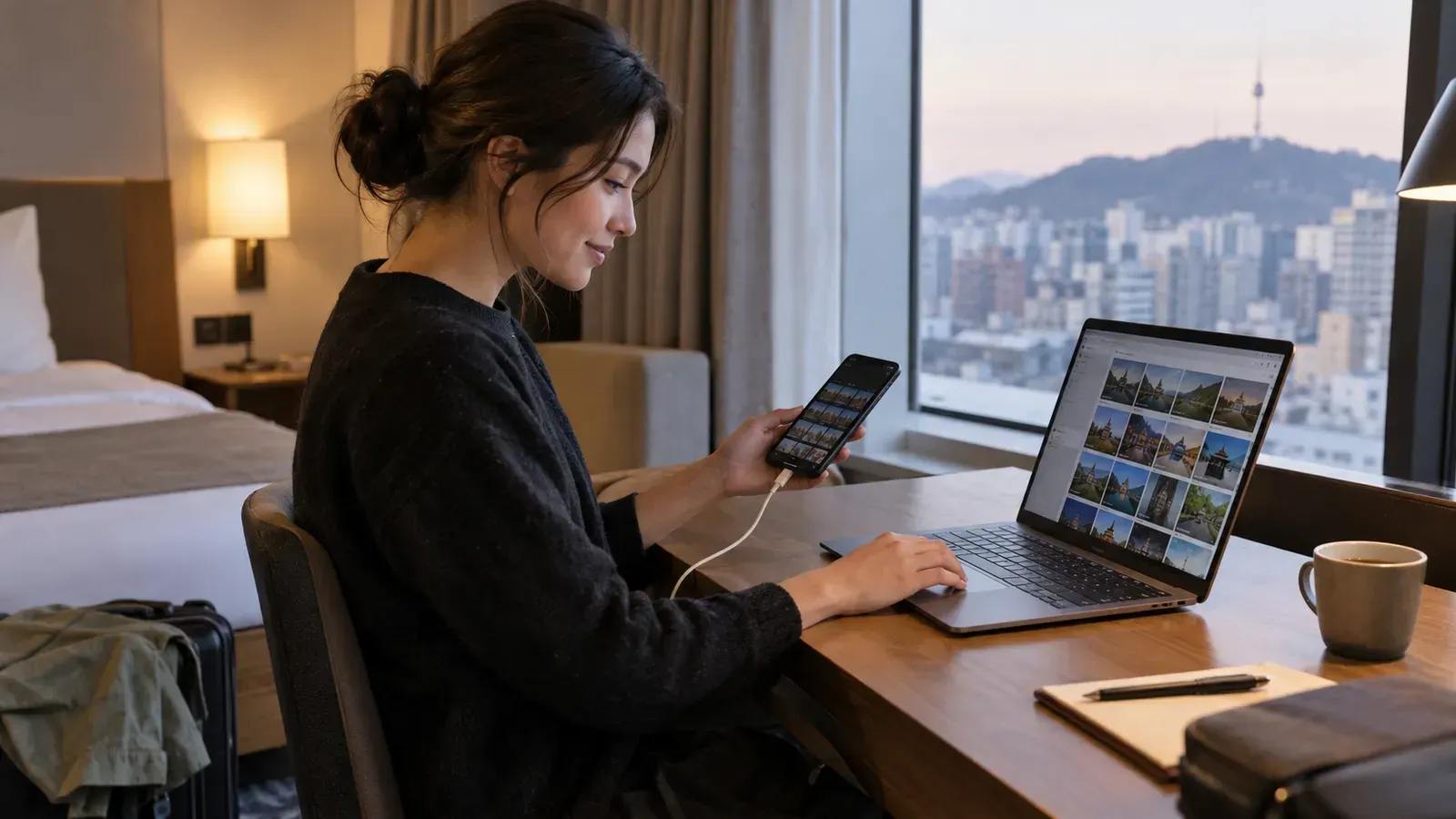
Allow time to back up your photos
On the last day of a performance or trip, photos pile up and the return time approaches. When choosing a rental phone, be sure to check not only the storage capacity but also how to connect it to your device in advance. Testing it with a small file at your accommodation can save you from having to search for cables and apps for the first time on the day of departure.
Check your devices and data cable
| rental phones | place to move to | How to check |
|---|---|---|
| Galaxy | Windows PC · Supported Devices | USB file transfer or supported sharing features |
| iPhone | Mac·Windows PC | Guide to Importing Apple Photos and Required Apps |
| Any device | Personal storage | Remaining capacity, connection, and original storage status |
Charging-only cables and data-transferable cables may differ. Please check if both devices support wireless sharing. Since the time required for large video files varies depending on connection speed and available storage space, it is difficult to estimate a fixed amount of time.
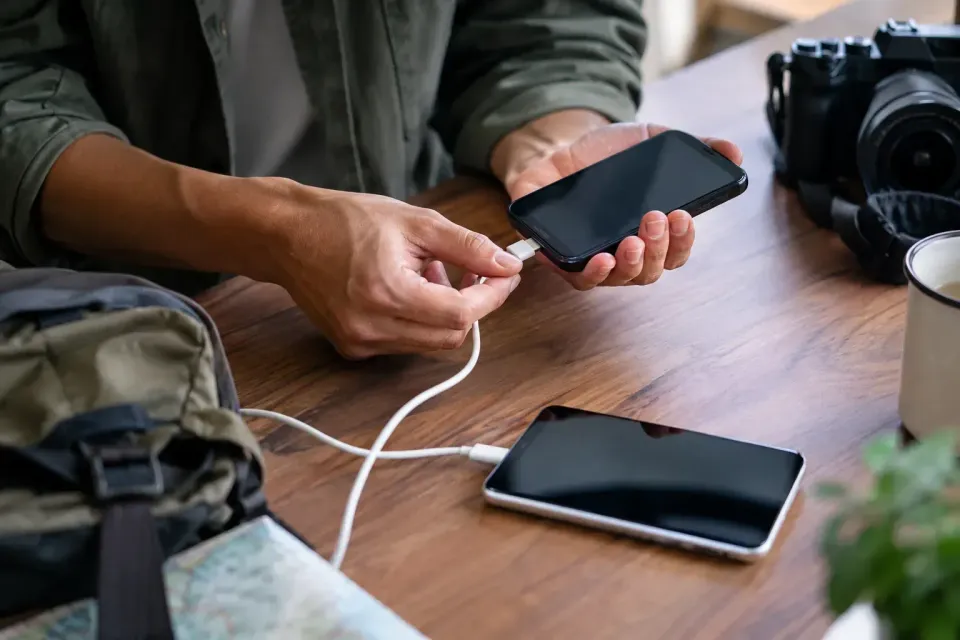
Copy the originals and open the files
Select the necessary folders and files from the rental phone and copy them to your personal device or storage. Don't just wait for the completion notification; open and play a few photos and long videos directly on the transferred device. It is a good idea to check if important footage can be stored in a separate storage location. When sending via messenger, you must check the original quality and video length limits.
Rental options to compare
| goods | Check registered configurations/reservations before booking |
|---|---|
| [Concert Venue Pickup] Galaxy S24·S25·S26 Ultra Rental | Check the configuration, pickup time, and return conditions of the selected options |
| [Concert Venue Pickup] iPhone 17·18 Pro Rental | Check the configuration, pickup time, and return conditions of the selected options |
![[Concert Venue Pickup] Galaxy S24·S25·S26 Ultra Rental](https://ofpgmxsfmimhoizdnfqc.supabase.co/storage/v1/object/public/product-images/c12adfb4-e081-44a4-9f18-68df5582e735/1790923623758_0.webp#w=orig)
![[Concert Venue Pickup] iPhone 17·18 Pro Rental](https://ofpgmxsfmimhoizdnfqc.supabase.co/storage/v1/object/public/product-images/cf95b563-7a89-434d-a133-b977b033bcc1/1790926412107_0.webp#w=orig)
Backup, logout and reset are different steps
Once the copy verification is complete, please check the logout procedure for the apps and personal accounts you are logged into. Do not arbitrarily remove accounts or settings managed by the provider. Some rental instructions state that functions may be remotely disabled if a specific account is logged out. You must first check the rental company's return guidelines before proceeding with a factory reset or full data deletion.
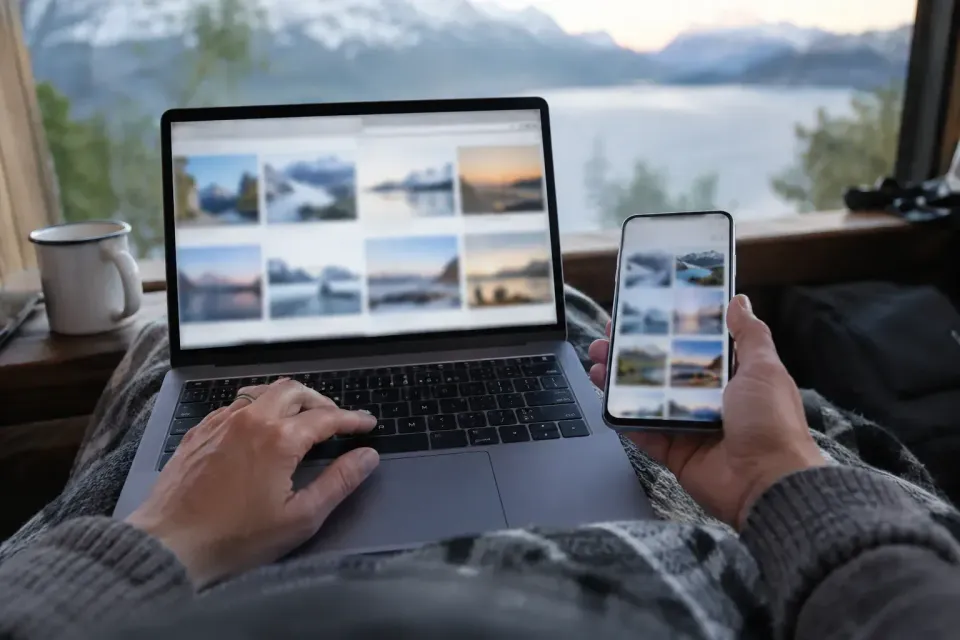
Use the official transfer guides
Samsung Official File Transfer Guide · Apple Official Photo Transfer Guide
- Test sending small photos and videos before departure
- Open files in personal storage before returning
- Distinction between personal accounts and provider accounts
- Check return contents including devices, cables, power banks, etc.
Before you book
- Compare usage date, number of people, and options with current information
- Check included items, additional costs, and pickup/return times
- If there are any changes, please contact us using the contact method in the confirmation notice.
Notice Verified Date: October 8, 2026. This is a preparation guide based on registered products and official announcements, and is not a review based on actual experience. Please check the booking screen and confirmation notice for final stock, rates, and operating conditions.