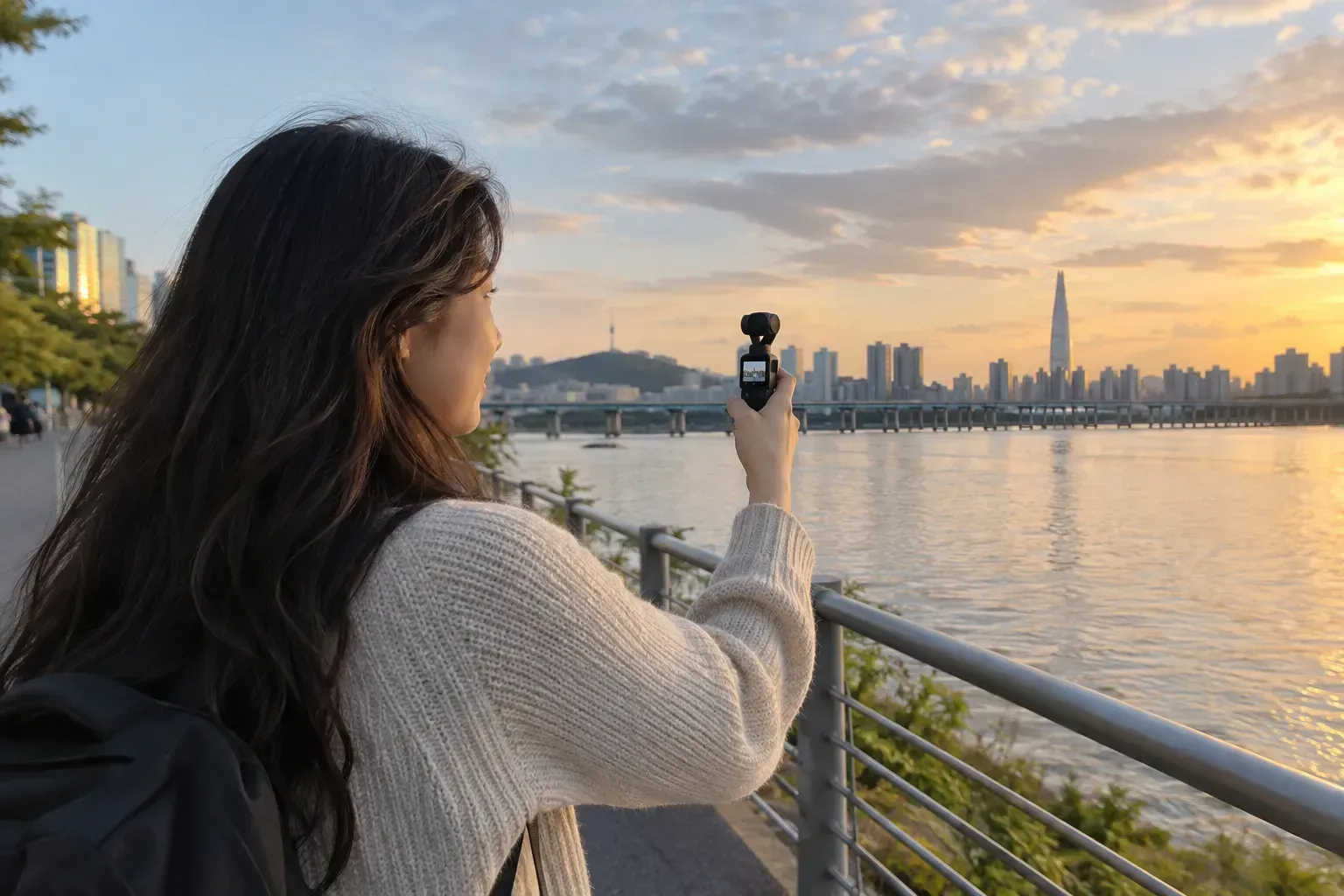
Choose a camera for the scenes you want to capture
When renting travel video equipment, think about the scenes you want to capture first, rather than the names of the latest models. Vlogs of conversations in a cafe, street scenes while walking, and preparations for a bike trip require different handheld styles and props. The comparison below is based on equipment types and registered rental configurations, and is not a review based on direct performance testing of each model.
Pocket camera or action camera?
| scene | First, the equipment to compare | Configuration to check |
|---|---|---|
| Stories of Walks and Cafes | Osmo Pocket | Microphone, Tripod, Storage Media |
| Outdoor activity records | Osmo Action · GoPro | Mounting method · Case · Storage pack |
| Short trip to reduce luggage | A single device suitable for the required scene | Whether its role overlaps with the phone I already have |
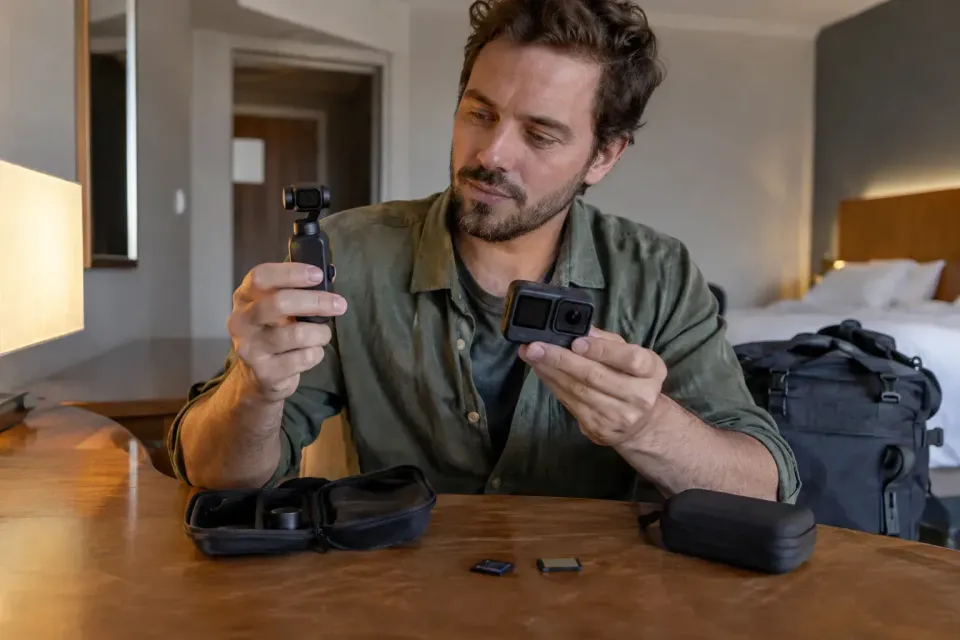
If you need mounting accessories, do not assume that every mount is included just by looking at the name "Full Package." It is better to check the list to see if helmet, chest, and bicycle mounts, as well as memory cards and card readers, are included.
Check waterproofing and filming rules
In the registration guide, pocket products include water resistance precautions, and for action products, you must check the case configuration and usage instructions together. Do not plan underwater filming based solely on the name "action cam"; please verify the selected model, rental conditions, and case availability with the store. Filming and bringing items into performance venues and tourist facilities are also separate from equipment rental regulations.
Rental options to compare
| goods | Check registered configurations/reservations before booking |
|---|---|
| DJI Osmo Pocket 3 Rental Incheon Airport | DJI Osmo Pocket 3 Rental Korea Airport | Osmo Pocket 3 · Protective Cover · Storage Pack |
| DJI OSMO Pocket 4 Creator Combo Rental | Osmo Pocket 4 · Storage Pack · Microphone + With Screen |
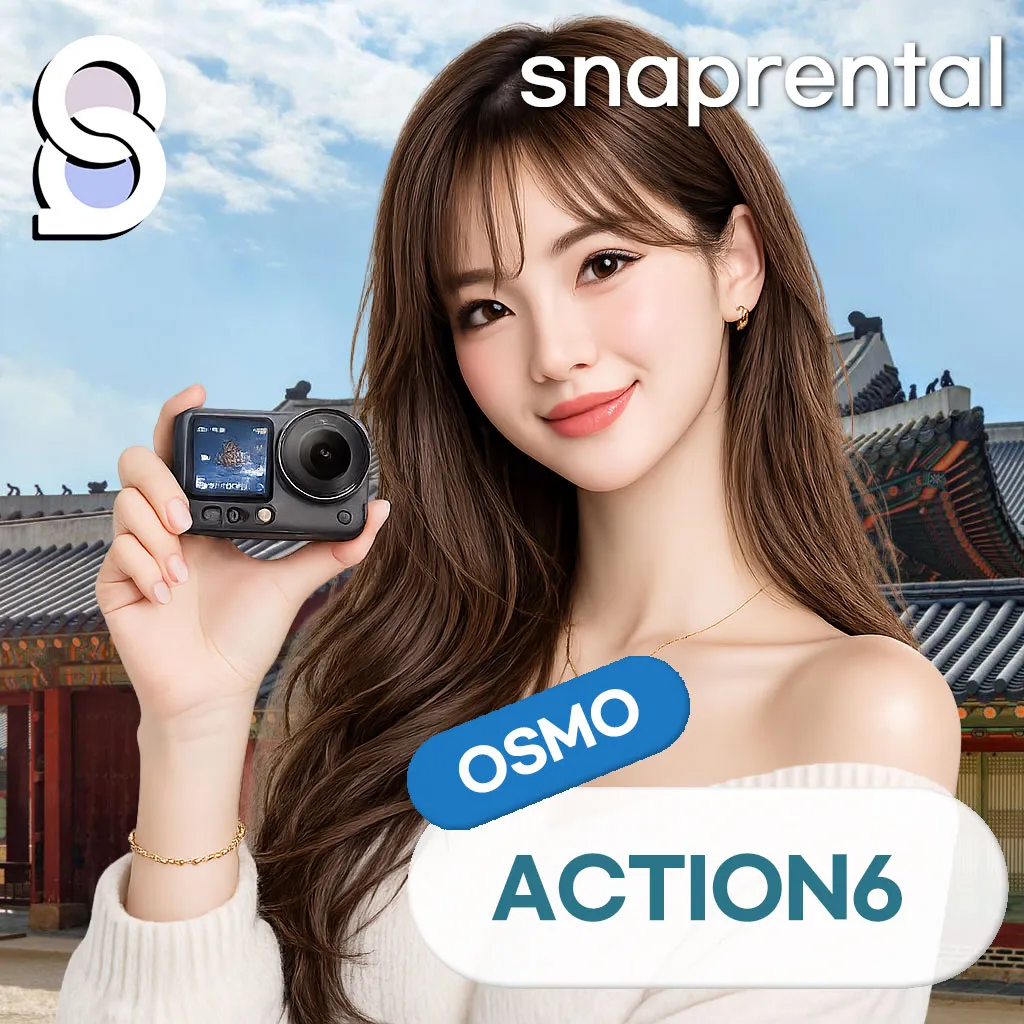
| DJI Osmo Action 6 Rental at Incheon Airport | Osmo Action 6 Rental Korea Airport | Osmo Action 6, Osmo bag, selfie stick, Shorty · SD card (128G), SD card reader · waterproof case, buoyancy stick |
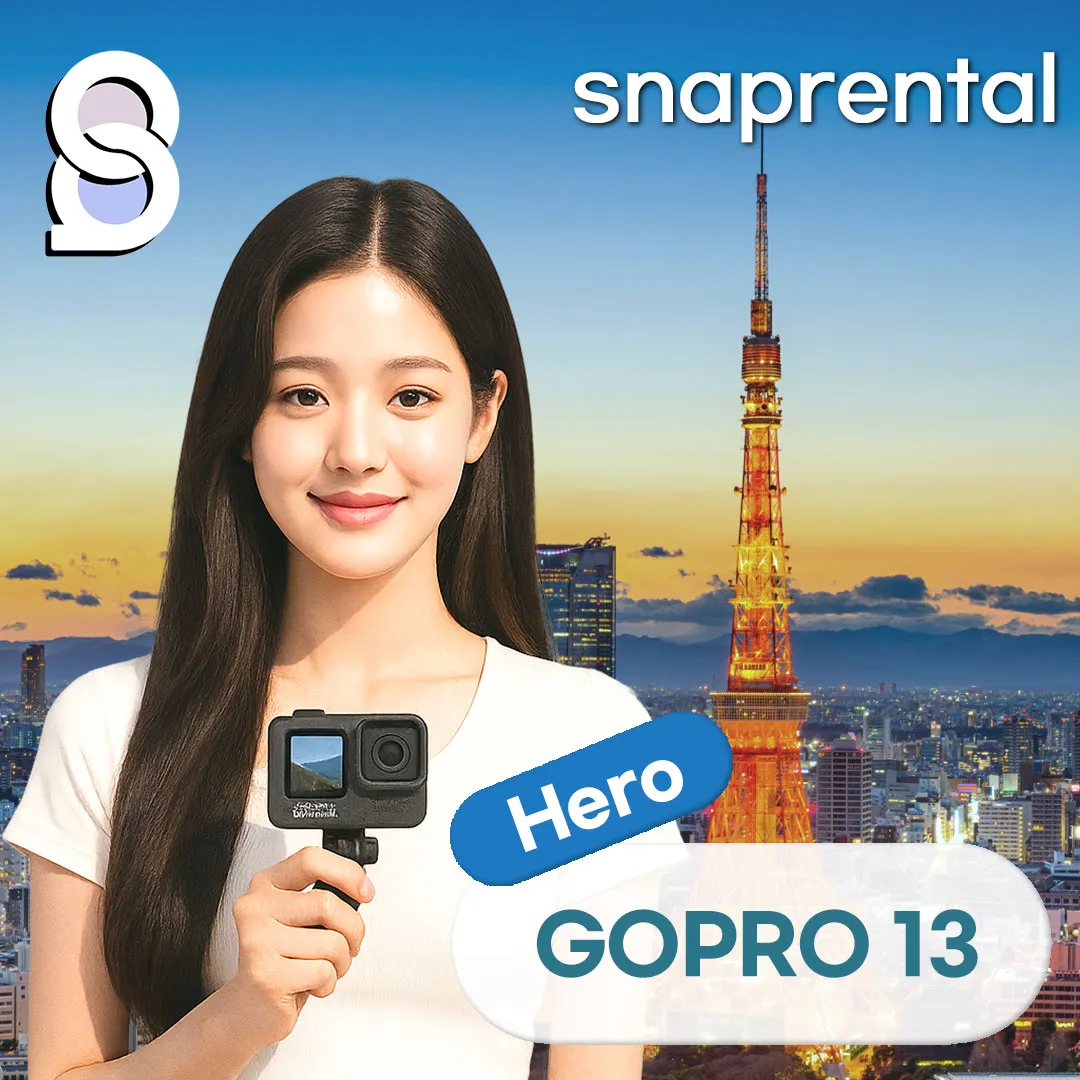
| GoPro 13 Full Rental Package, 1-Day Pickup at Incheon Airport | Check the configuration, pickup time, and return conditions of the selected options |
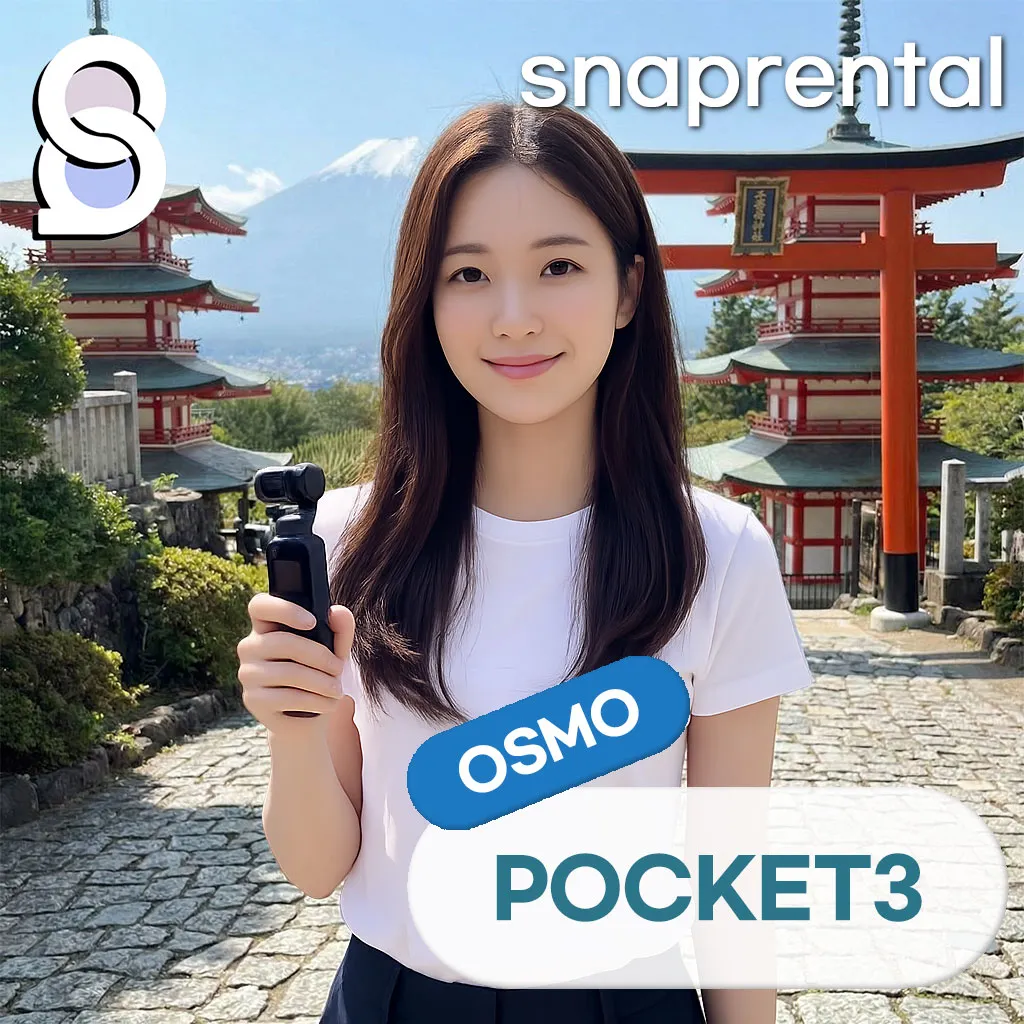
Snap rental
DJI Osmo Pocket 3 Rental, Incheon Airport Pickup, Creator Combo Action Cam Rental for 1 DayUSD 3.76from
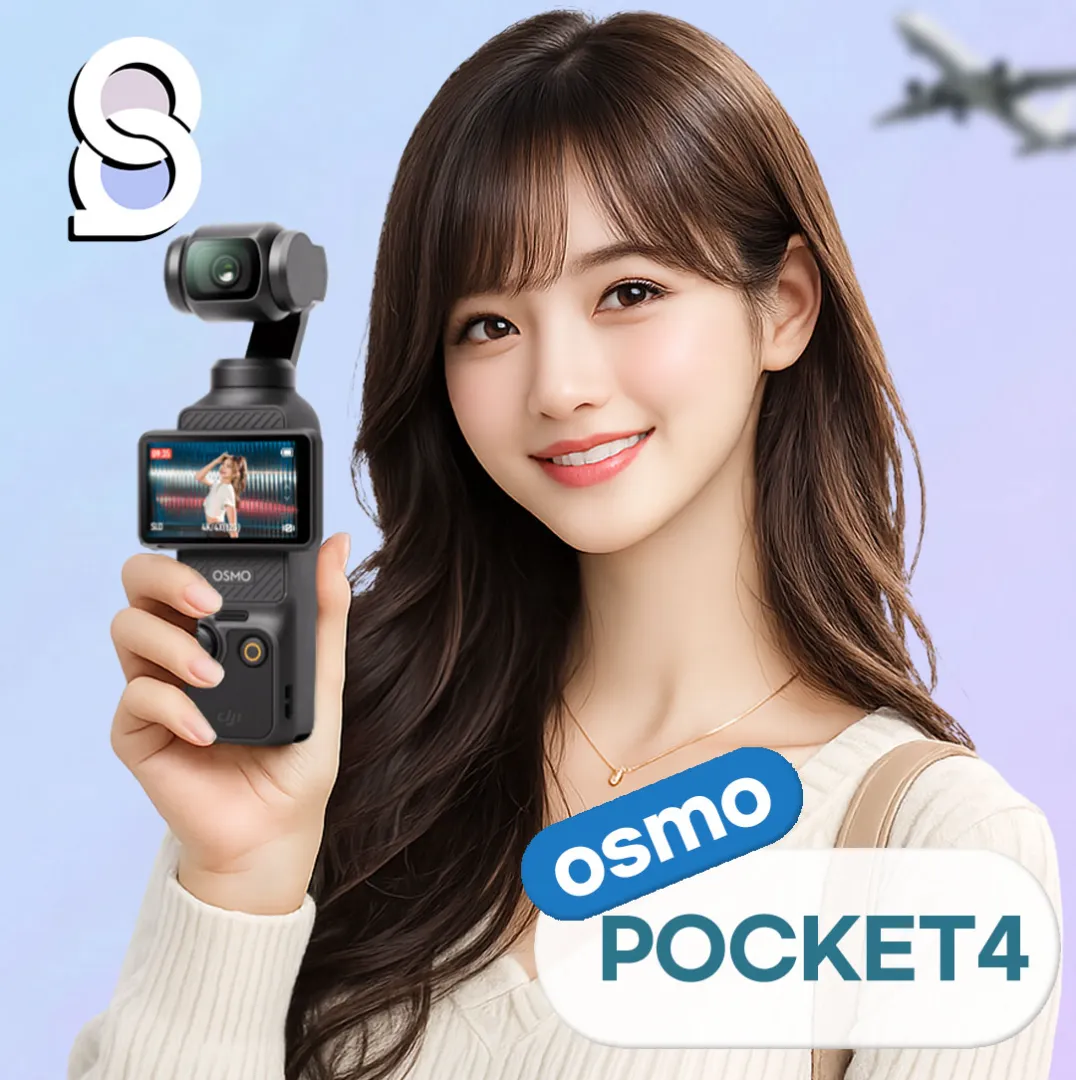
Compare the full kit, not just the camera
The Pocket 3 product includes a protective cover, storage pack, 128GB storage media, and a reader. The Pocket 4 Creator Combo lists accessories such as a microphone, charger, cable, and mini tripod. Please compare the packages for the Action 6 and GoPro. If you already own accessories, checking compatibility with the rental configuration beforehand can help reduce unnecessary luggage.
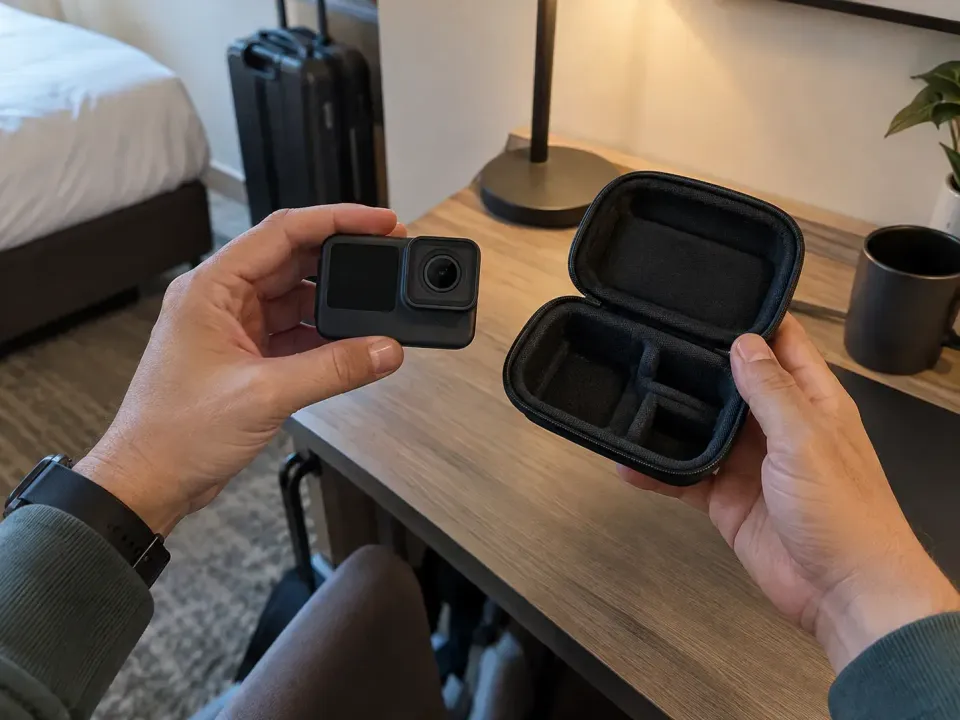
Try a test recording before departure
After receiving the device, record a short test video to verify saving, playback, and charging. For options that include a microphone, also check if sound is being picked up. It is more convenient to allow time to check the equipment settings at your accommodation rather than starting everything at your first stop. Consider transferring files before returning the device and pack any necessary card readers and cables.
Airport T1 & T2 InformationCheck the terminal, but prioritize the confirmation message of the selected product for the exact handover location.
Before you book
- Compare usage date, number of people, and options with current information
- Check included items, additional costs, and pickup/return times
- If there are any changes, please contact us using the contact method in the confirmation notice.
Notice Verified Date: October 8, 2026. This is a preparation guide based on registered products and official announcements, and is not a review based on actual experience. Please check the booking screen and confirmation notice for final stock, rates, and operating conditions.