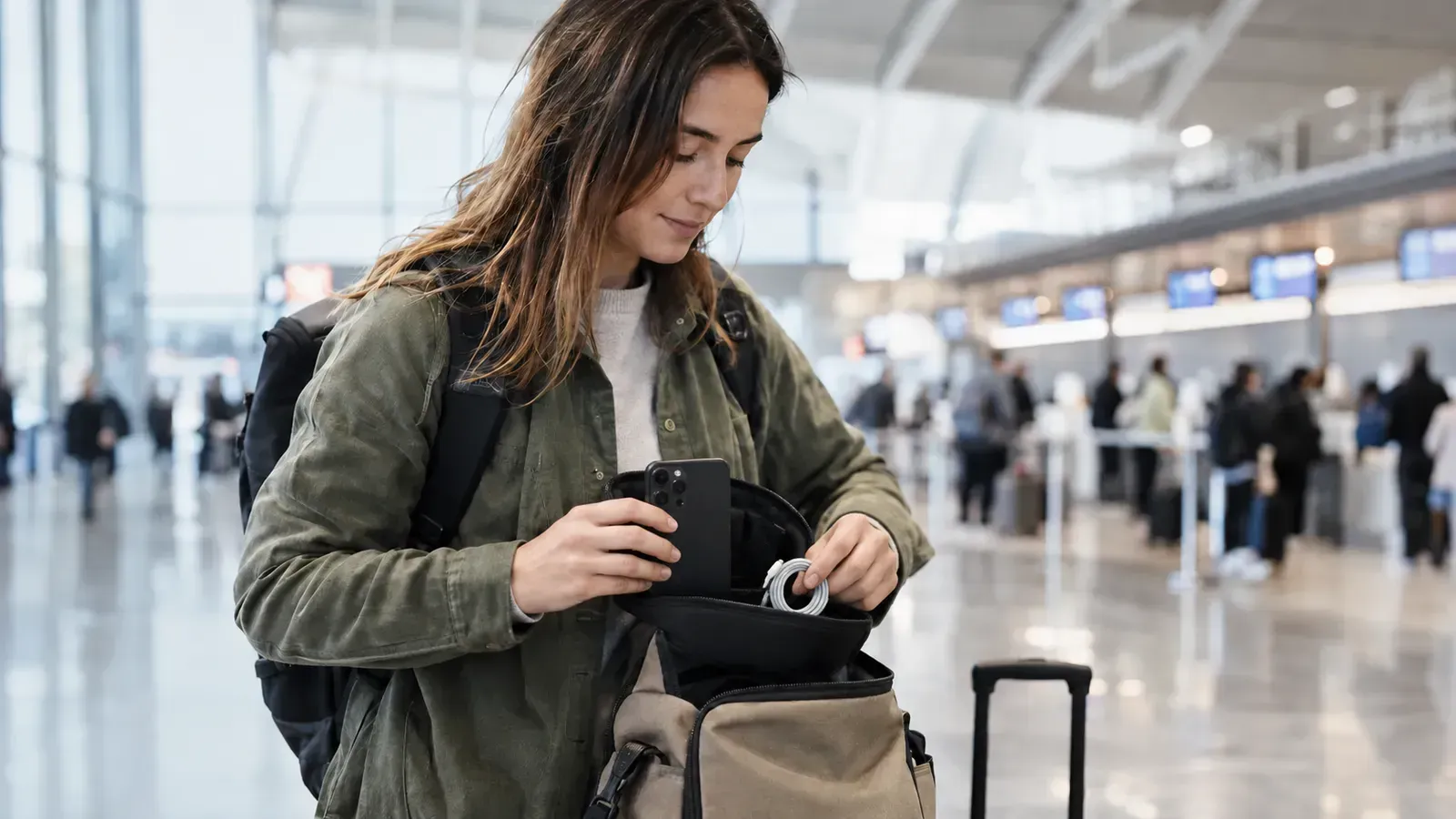
Plan your return around your flight departure
If you book an airport return based solely on your flight departure time, you may end up feeling rushed. Try to schedule the equipment return location, the time to meet the staff, and airline check-in and security screening separately. You must check check-in deadlines by airline and route, and also verify the rental company's operating hours and return deadlines separately.
Prepare the night before
| eve | After arriving at the airport |
|---|---|
| Check photo and video backup and playback | Go to the return location in the confirmed notice |
| Organizing cables, batteries, and storage packs | Proceed with component verification and handover procedures |
| Check departure terminal and airline deadlines | After confirming the return, proceed to the airline check-in route. |
Organizing your bag while reviewing the rental list can help reduce the chances of leaving small items behind at your accommodation. For strollers, plan how to fold them and how your child will move around after returning them.
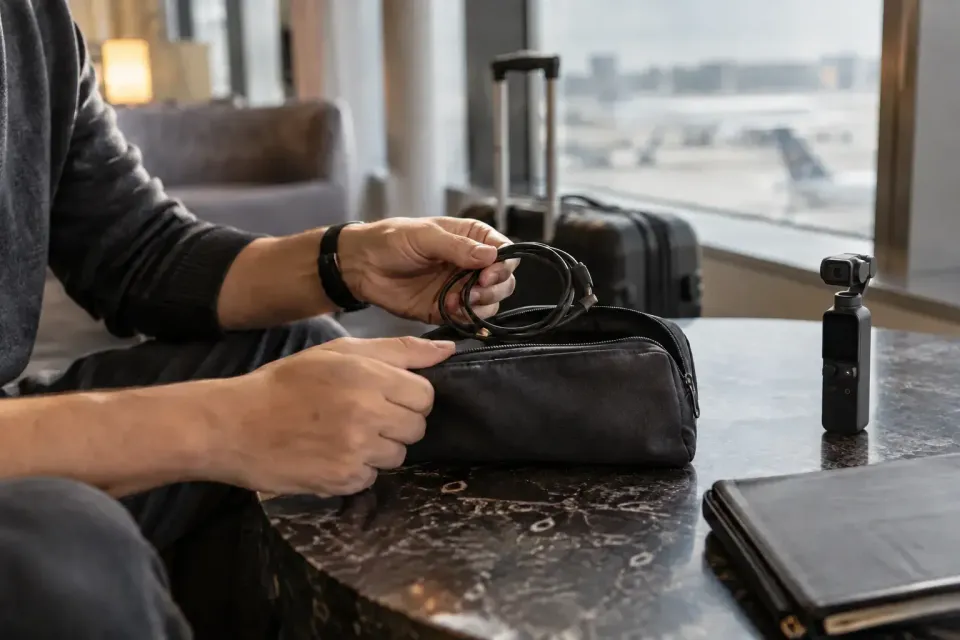
Meeting points differ by rental product
For Holiday products, pickup and return instructions are provided in the booking confirmation message. Do not assume that the location and operating hours are the same even if the products are from the same company or at the same airport. It is recommended to navigate based on the confirmation details of your current booking rather than blindly following exit numbers or past reviews from other companies.
Rental options to compare
| goods | Check registered configurations/reservations before booking |
|---|---|
| Incheon Airport Galaxy S26 Ultra | Mobile phone storage bag · Power bank · Charging line |
| Incheon Airport Gimhae Airport DJI Osmo Pocket 4 Series Creator Combo | Check the configuration, pickup time, and return conditions of the selected options |
| Stroller Incheon Airport | stroller |


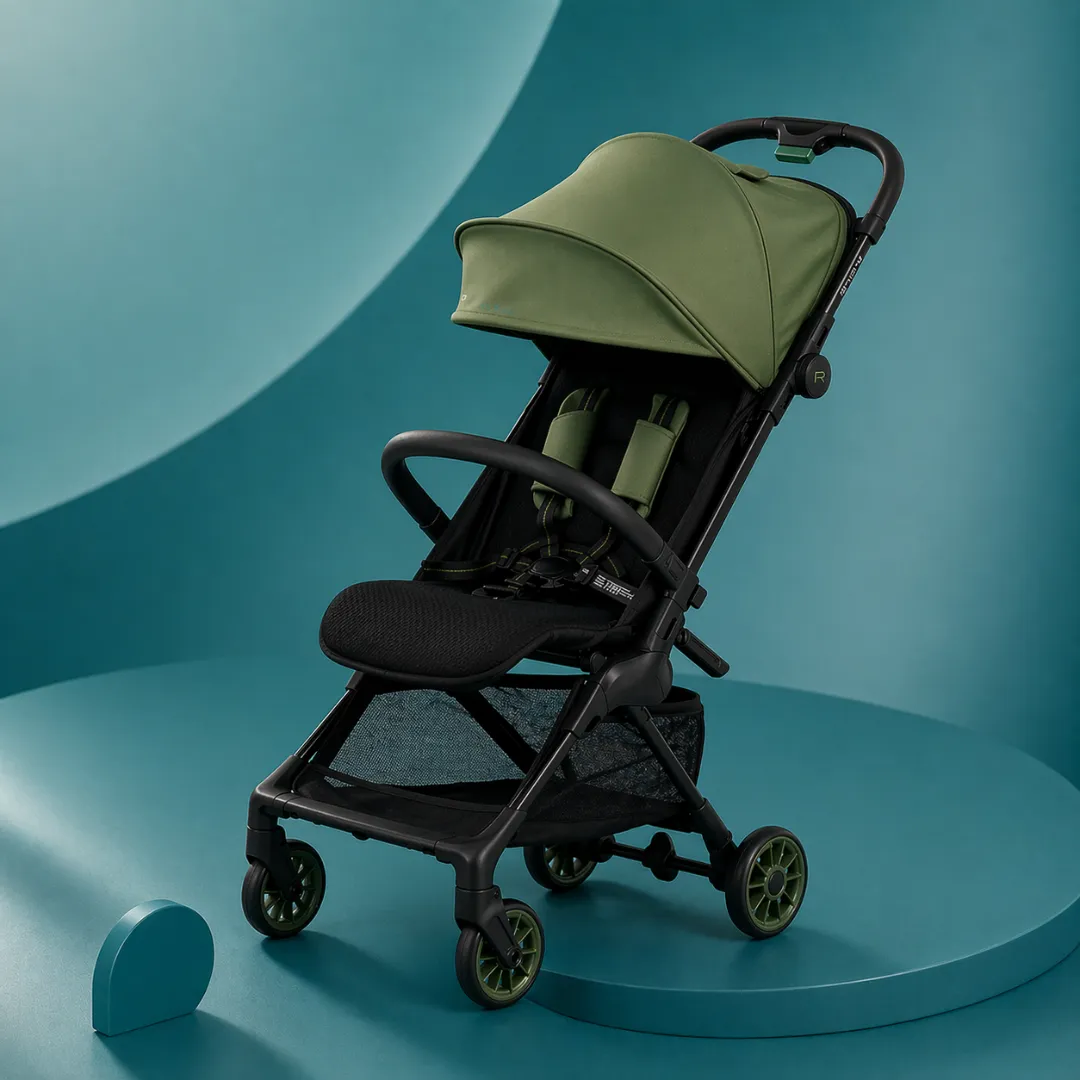
Check service hours and delays in advance
Stroller products cannot be picked up or returned outside of business hours, and additional charges apply for overdue returns. If you experience flight changes or traffic delays, please provide your reservation information and estimated arrival time in advance. Please plan to return to a different terminal or use a locker only if availability is confirmed.
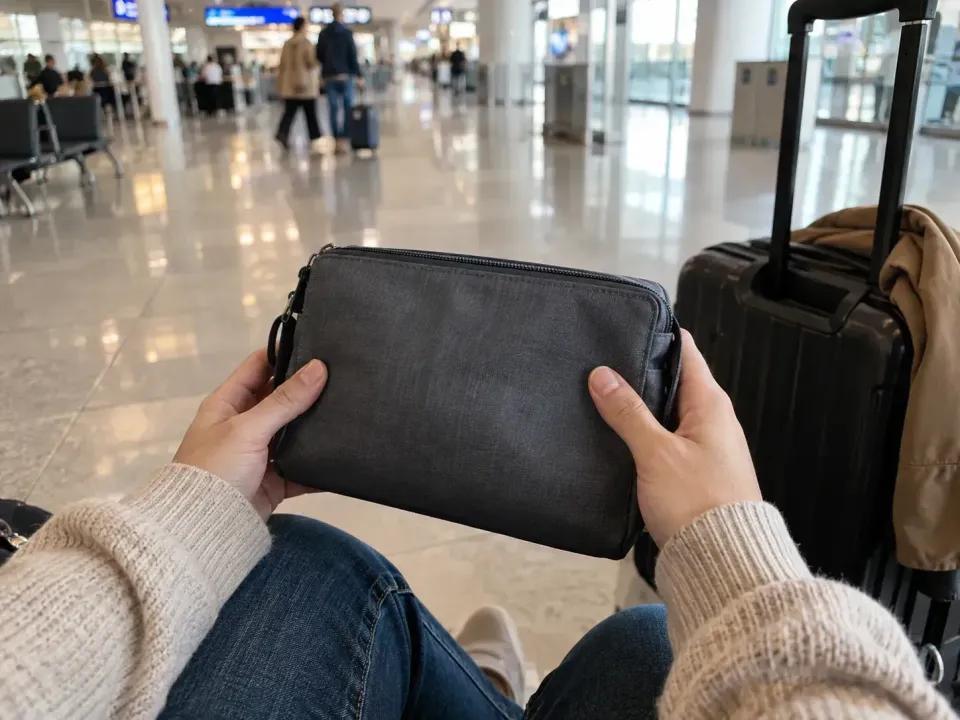
Return your rental before airline check-in
Incheon Airport Official Check-in & Baggage GuideThis is airline check-in information and is separate from the rental and return location guide.
Since there may be a waiting time even after returning the stroller, please organize your family's travel plans and belongings. After handing over the equipment and accessories and completing the return verification required by the company, you can proceed to the check-in route.Airport Pickup Preparation GuideCompare round-trip itineraries with.
Airport T1 & T2 InformationCheck the terminal, but prioritize the confirmation message of the selected product for the exact handover location.
Before you book
- Compare usage date, number of people, and options with current information
- Check included items, additional costs, and pickup/return times
- If there are any changes, please contact us using the contact method in the confirmation notice.
Notice Verified Date: October 8, 2026. This is a preparation guide based on registered products and official announcements, and is not a review based on actual experience. Please check the booking screen and confirmation notice for final stock, rates, and operating conditions.